






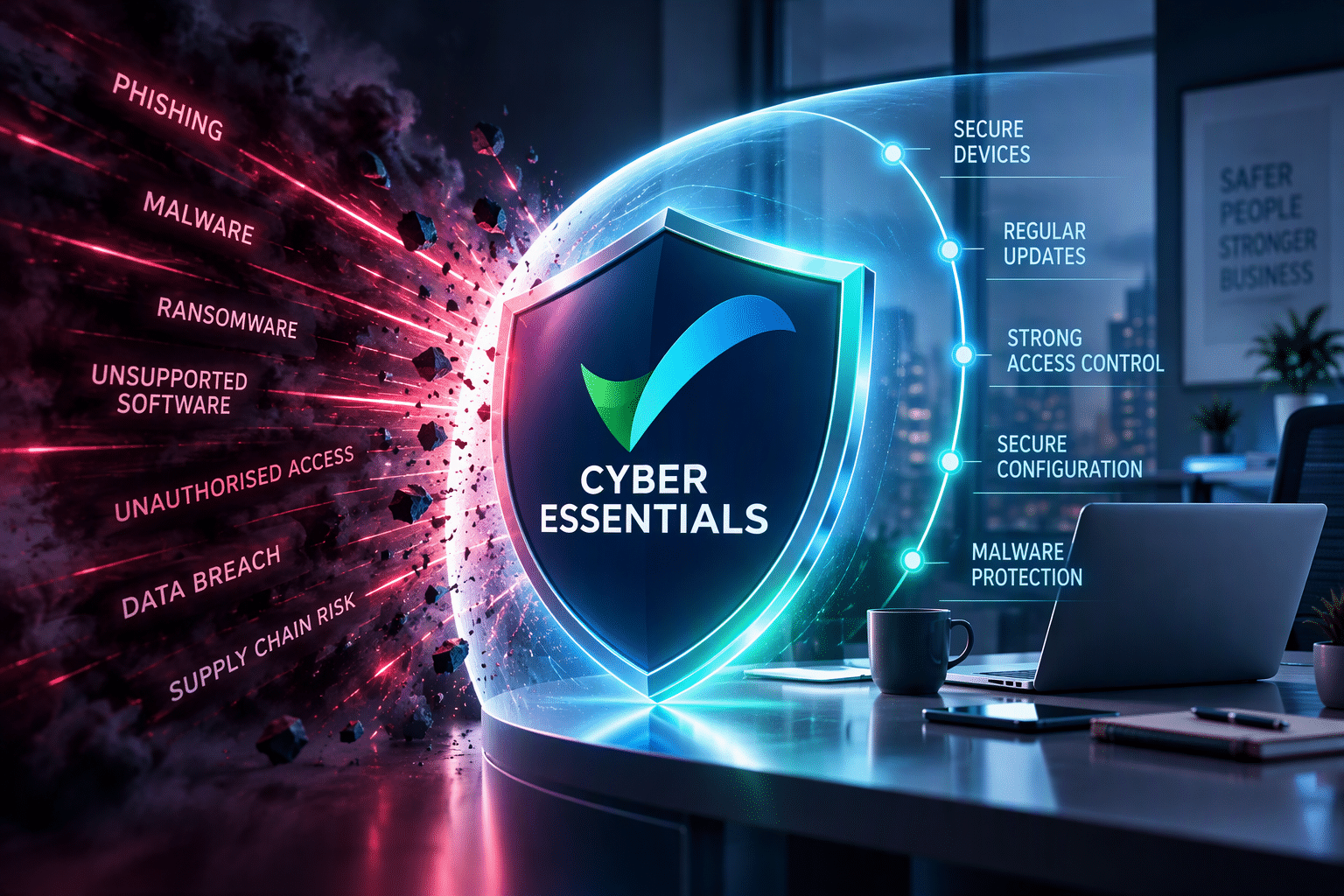
Failed Cyber Essentials? Why a Managed Cyber Security Approach Matters
Failed Cyber Essentials? Fix More Than the Questionnaire
Failing a Cyber Essentials assessment can be frustrating, particularly when certification supports a customer requirement, contract, tender or supply-chain opportunity.
However, an unsuccessful assessment can reveal something more important than a problem with the questionnaire.
It may highlight gaps in the way your organisation manages identities, devices, software, administrator access and security controls throughout the year.
That is why Cyber Essentials should not become an annual scramble to get ready for certification.
For organisations that want a stronger long-term approach, the goal is to build good security practices into everyday IT management.
In other words: don’t just prepare for Cyber Essentials. Manage your environment so you stay ready for it.
Cyber Essentials Should Be an Outcome of Good Security
Cyber Essentials focuses on five core technical control areas:
- Firewalls
- Secure configuration
- Security update management
- User access control
- Malware protection
These controls do not suddenly become important when an assessment begins.
Instead, they form part of the security foundations that businesses should manage throughout the year.
For an SME, that means knowing:
- Which devices access company systems
- Which software is installed
- Whether software remains supported and updated
- Who has administrator access
- Whether appropriate authentication controls are operating
- Which cloud services employees use
- Whether security configurations remain appropriate
- What changes when employees join, move roles or leave
When these areas are actively managed, Cyber Essentials readiness becomes part of normal security operations rather than a one-off project.
What Can a Failed Cyber Essentials Assessment Tell You?
An unsuccessful assessment should not automatically be treated as a paperwork problem.
Instead, look at what the findings reveal about the wider environment.
A missing security control may require a straightforward correction. However, repeated issues can point towards a broader management problem.
Missing MFA may indicate that cloud accounts and authentication methods are not being reviewed consistently.
Unsupported software may reveal gaps in software inventory, endpoint management or lifecycle planning.
Excessive administrator privileges may indicate that access rights are not routinely reviewed.
Scope problems may reveal that the organisation does not have a complete picture of its devices, cloud services or third-party access.
Incomplete answers may indicate that security controls exist but evidence and documentation are difficult to produce.
The useful question is therefore not simply:
“How do we fix this assessment?”
It is:
“What needs to change so this remains fixed?”
Five Common Findings and the Managed Security Response
1. Missing MFA: Manage Identity Continuously
Multi-factor authentication helps protect important business accounts.
However, enabling MFA once does not mean identity security is finished.
New employees join, roles change and new cloud applications are introduced. Meanwhile, suppliers may receive access and new administrator accounts may be created.
A managed approach should maintain visibility across:
- Microsoft 365 accounts
- Administrator accounts
- Cloud platforms
- Business applications
- Remote-access services
- Supplier and support accounts
The aim is not merely to prove that MFA was enabled when an assessment took place.
Instead, the goal is to maintain appropriate identity protection as the organisation changes.
Identity Management Goes Beyond MFA
Identity management should also consider:
- Who has access
- Why that access is required
- Whether the level of access remains appropriate
- Whether privileged accounts receive appropriate protection
- What happens when somebody changes roles
- What happens when somebody leaves
Cyber Essentials may expose identity-management problems.
Managed cyber security helps prevent those problems from quietly returning after certification.
2. Unsupported Software: Turn Patching Into a Managed Process
Unsupported software is another common security concern.
A business may have applications spread across laptops, desktops, servers and other devices.
Without good visibility, old technology can remain in use long after somebody thought it had disappeared.
Therefore, businesses need to understand:
- Which devices they have
- Which operating systems those devices run
- Which applications are installed
- Whether applications remain supported
- Whether devices are receiving security updates
- Which old devices need replacing or retiring
This is where endpoint and device management become valuable.
Rather than checking every device just before certification, organisations should maintain visibility over their technology throughout the year.
The Update Button Is Not a Security Strategy
Employees may postpone updates.
Old laptops can sit in cupboards, applications can be forgotten and remote devices may fall behind.
A managed process helps identify these exceptions and gives the organisation a way to address them.
As a result, the objective becomes bigger than satisfying an assessment requirement.
It is about reducing the amount of unsupported and unnecessarily vulnerable technology operating across the business.
3. Too Much Administrator Access: Manage Privileges, Not Just Passwords
Administrator accounts provide significant control over business systems.
That makes them useful, but potentially risky when access is unnecessary, poorly managed or compromised.
Employees should not normally perform routine work using privileged accounts.
Organisations should understand:
- Who has administrator access
- Which systems that access covers
- Why the access is required
- Whether the person still needs it
- Whether everyday and privileged activity are appropriately separated
- Whether external support providers have privileged access
This is not something to review once before certification.
Employees join and people change roles. Meanwhile, suppliers and IT responsibilities can change too.
Without regular reviews, privileges can accumulate.
Managed cyber security makes access reviews part of normal operations rather than something discovered during an assessment.
4. Scope Problems: Know What You’re Actually Protecting
One of the useful things Cyber Essentials can do is expose gaps in an organisation’s understanding of its technology.
Modern SMEs rarely operate entirely from a single office.
They may use:
- Company laptops
- Home-working devices
- Mobile phones and tablets
- Microsoft 365
- Other cloud platforms
- Remote-access systems
- Third-party applications
- External IT providers
- Supplier accounts
- Network equipment
If the organisation lacks visibility across these areas, completing a security assessment becomes harder.
More importantly, day-to-day security management becomes harder too.
Asset Visibility Matters Beyond Certification
Good security starts with understanding what needs protecting.
Maintaining accurate information about devices, software, cloud services and access helps an organisation make better security decisions throughout the year.
Therefore, if a Cyber Essentials assessment reveals inaccurate asset information or scope, do not simply correct the questionnaire.
Fix the underlying visibility problem.
5. Unclear Answers: Build Evidence as You Go
Sometimes a business has implemented a security control but struggles to demonstrate how it works.
For example:
“Our IT provider manages updates.”
That may be true, but it leaves several questions unanswered:
- Which devices are covered?
- What software is monitored?
- How are missing updates identified?
- What happens when a device fails to update?
- Who owns the process?
The same principle applies to MFA, administrator access, malware protection and other controls.
A managed cyber security approach should make these questions easier to answer because responsibilities, configurations and records are clearer.
Instead of rebuilding evidence immediately before an assessment, organisations can maintain useful information as part of normal operations.
Consequently, better record keeping can support certification while improving wider security governance.
From Remediation to Ongoing Security Management
When Cyber Essentials identifies an issue, fixing it is important.
What happens afterwards matters just as much.
The One-Off Approach
The business identifies a problem and fixes it.
Once the assessment is complete, attention often moves elsewhere.
Over the following months, employees, devices, software and cloud services change. Eventually, the same problem can return.
The Managed Approach
With a managed approach, the business identifies the underlying cause and corrects it.
The relevant control then becomes part of ongoing IT and security management.
Regular oversight helps identify changes and exceptions, while useful records remain available when needed.
As a result, the organisation stays better prepared for future assessments.
That is what turns Cyber Essentials from a certification exercise into an ongoing security outcome.
What Does Managed Cyber Security Look Like?
Managed cyber security should not mean adding complexity for the sake of it.
For SMEs, it should provide greater clarity and oversight around the controls that matter.
Identity and Access Management
Maintain appropriate access across Microsoft 365, cloud services and privileged accounts.
Endpoint and Device Management
Understand which devices access business systems and maintain appropriate security configurations.
Security Update Management
Keep supported systems updated and identify exceptions that need attention.
Microsoft 365 Security
Manage identities, authentication, administrator privileges and relevant security configurations across Microsoft 365.
Security Monitoring and Oversight
Maintain ongoing visibility instead of relying entirely on occasional checks.
Asset and Software Visibility
Keep useful records of the devices, software and services operating across the environment.
Ongoing Cyber Essentials Alignment
Maintain the underlying security controls throughout the year so certification is supported by normal security practice.
Evidence Readiness
Keep clear records so the organisation can explain how important security controls operate when required.
This is considerably broader than helping somebody complete a questionnaire.
Managed Cyber Essentials: Before, During and After Certification
A managed approach can support an organisation throughout the Cyber Essentials lifecycle.
Before Certification
The emphasis is on understanding the environment and identifying security gaps.
This can include reviewing:
- Devices
- Software
- Authentication
- Administrator access
- Cloud services
- Security updates
- Security configurations
During Certification
The focus moves towards accurately demonstrating how the organisation’s security controls operate.
When the underlying environment is already being managed, there should be less need for last-minute discovery and remediation.
After Certification
This is where a managed approach differs most clearly from a one-off certification project.
Your environment continues to change after certification. New devices appear, employees join or leave, and additional cloud services may be adopted.
Meanwhile, software, administrator access and security requirements continue to evolve.
Ongoing management helps the organisation respond to these changes rather than waiting until the next assessment to review its security controls again.
Cyber Essentials Plus and Managed Security
Cyber Essentials Plus builds on Cyber Essentials by adding independent technical validation.
For organisations considering Cyber Essentials Plus, strong ongoing security management becomes particularly valuable.
The technical assessment can examine areas such as:
- Security updates
- Malware protection
- Firewalls
- Authentication
- Device security
- Supported systems
- Vulnerabilities
An organisation that manages these areas consistently has a clearer understanding of its environment and the issues requiring attention.
Cyber Essentials Plus remains an independent assessment outcome.
No managed service, advisor or technology provider can guarantee certification.
Instead, managed security helps organisations establish and maintain stronger security practices that support readiness.
Cyber Essentials Is a Milestone, Not the Finish Line
Achieving Cyber Essentials is valuable.
However, your organisation’s technology does not freeze on certification day.
Business changes can introduce new employees, devices, software, cloud services and access requirements. Remote working and the adoption of new AI tools can change the environment further.
Each change can affect the organisation’s security position.
That is why certification works best when it sits inside a wider managed cyber security approach.
The certificate is a milestone. The security controls behind it need to keep working.
Do You Need Managed Cyber Security or Just Cyber Essentials?
The right route depends on what your organisation actually needs.
You May Only Need Cyber Essentials Support If:
- Your immediate goal is certification
- You want to complete a self-assessment
- You need questionnaire guidance
- You require one-off remediation assistance
- You require Cyber Essentials Plus readiness
- You are looking for a defined certification project
For these requirements, Cyber Essentials London provides the dedicated Cyber Essentials certification and support journey.
Consider Managed Cyber Security If:
- You want ongoing cyber security support
- You need Microsoft 365 security management
- Devices and endpoints need ongoing oversight
- Identity and access require regular management
- You want stronger Cyber Essentials alignment throughout the year
- You need help maintaining security controls as the organisation changes
- You want Cyber Essentials to form part of a wider Secure IT strategy
This is where the IQ in IT managed approach fits.
Failed Cyber Essentials? Address the Cause, Not Just the Assessment
If your organisation has received an unsuccessful Cyber Essentials assessment, start by addressing the immediate findings.
But don’t stop there.
Ask why the issue existed in the first place.
Missing MFA can point to weaknesses in the way identities are managed.
Unsupported software may reveal gaps in device and application maintenance.
Excessive administrator access is a good reason to review your access-management process.
An inaccurate scope may highlight poor visibility across your technology environment.
Difficulty producing evidence can indicate that security controls and responsibilities need clearer documentation.
Together, these findings can turn an unsuccessful assessment into something much more valuable: an opportunity to improve the way security is managed across the business.
Want Cyber Essentials to Become an Ongoing Security Outcome?
IQ in IT helps SMEs strengthen Microsoft 365 security, identity, endpoint management and cyber security controls as part of a wider managed service.
The aim is not simply to prepare for the next assessment.
Instead, it is to maintain stronger Secure IT foundations throughout the year so Cyber Essentials is supported by the way your organisation actually operates.
If your organisation only needs Cyber Essentials certification, self-assessment or one-off Cyber Essentials support, Cyber Essentials London provides the dedicated route.
Frequently Asked Questions
What should I do if I fail Cyber Essentials?
What are the most common reasons for failing Cyber Essentials?
How can managed cyber security help with Cyber Essentials?
What is the difference between Cyber Essentials and Cyber Essentials Plus?
How can a business stay ready for Cyber Essentials throughout the year?
IQ Alliance Newsletter
Stay ahead of the tech curve
With the latest IT news, tips, and cybersecurity insights








Recent Comments