





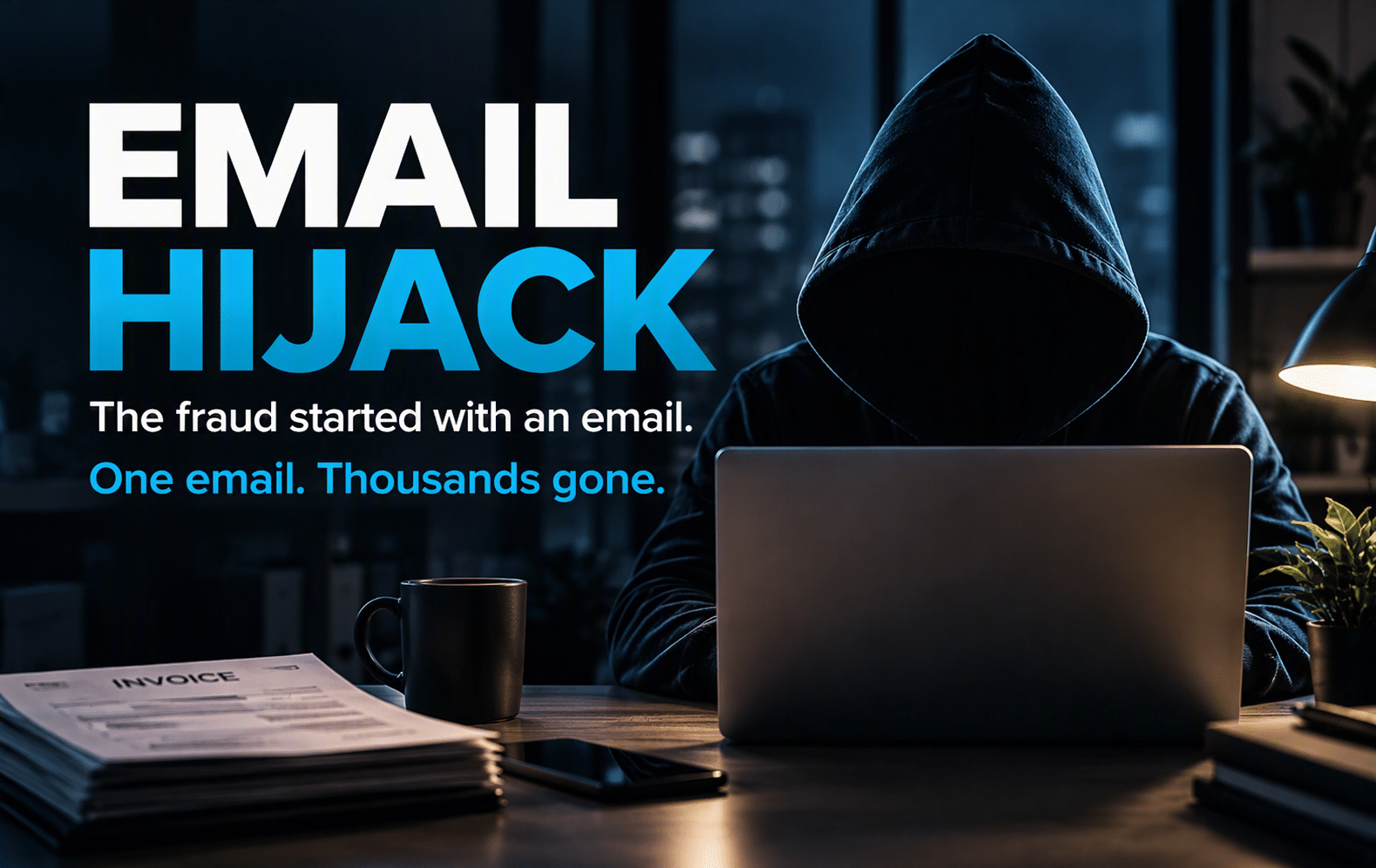
Email Hijack: When Fraud Starts With an Email
What Is an Email Hijack?
An email hijack happens when a criminal gains unauthorised access to a business email account and uses that access to monitor communications, steal information or impersonate the account owner.
Criminals may also convincingly impersonate a trusted sender without gaining access to the genuine mailbox. Although the fraudulent request may look similar, the underlying attack is different.
- Read confidential messages
- Search for invoices and payment conversations
- Impersonate employees or suppliers
- Create hidden email-forwarding or inbox rules
- Redirect payments
- Request urgent bank transfers
- Reset passwords for connected services
- Target customers using a trusted email address
Criminals may investigate the information held in a mailbox before acting. A fraudulent request could then refer to a genuine project, supplier, invoice or colleague.
How Does Email Hijacking Happen?
Phishing Emails
Stolen or Reused Passwords
If someone reuses the same password across several services, a password exposed elsewhere may also provide an attacker with an opportunity to access a business account.
Social Engineering
Social engineering relies on manipulating people rather than directly attacking technology.
- A director requesting an urgent payment
- A supplier changing bank details
- An IT provider asking someone to sign in
- A colleague sharing a document
- A customer requesting account information
Stolen Web Sessions
Why Email Hijack Attacks Can Be So Convincing
- Previous correspondence
- Supplier names
- Invoice details
- Common writing patterns
- Employee signatures
- Customer relationships
- Typical payment processes
- Relevant deadlines
The next fraudulent message can therefore fit naturally into an existing conversation. It may come from a genuine account and refer to the correct people, project, invoice or payment.
That is what makes email hijacking particularly dangerous. The recipient may have no immediate reason to question the request.
The Business Impact of an Email Hijack
The financial loss caused by a fraudulent payment can be significant. However, the effect of an email hijack may extend beyond the initial transaction.
- Redirected supplier payments
- Exposure of confidential information
- Customer or supplier fraud
- Password resets for connected services
- Business interruption
- Incident-response costs
- Damaged commercial relationships
- Loss of customer confidence
- Additional legal or regulatory work
A customer or supplier may be more likely to trust a message received from an email address that normally communicates with them.
Warning Signs of a Possible Email Hijack
However, unusual account activity and unexpected payment requests should be investigated.
- Unexpected password-reset notifications
- Sign-in alerts from unfamiliar locations or devices
- Emails appearing as read unexpectedly
- Messages disappearing from the inbox or sent folder
- Unknown forwarding or inbox rules
- Customers receiving messages nobody remembers sending
- A sudden request to change supplier bank details
- Pressure to complete an urgent payment
- Requests to avoid normal approval procedures
- Unexpected changes in account behaviour
If something appears unusual, verify the request using a communication method you already trust.
Stop. Verify. Report.
Stop
Verify
Report
Make it easy for employees to report suspicious activity.
- An unexpected authentication request appears
- They think they may have entered credentials into the wrong place
- An unusual payment request arrives
- An account or device behaves unexpectedly
- They are simply unsure whether a request is genuine
What to Do If You Suspect an Email Hijack
1. Contact Your IT or Security Provider
2. Secure the Affected Account
- Resetting the password
- Reviewing active sessions
- Reviewing registered authentication methods
- Checking account-recovery information
- Examining mailbox forwarding and inbox rules
- Reviewing recent sign-in activity
- Investigating connected devices and applications
3. Check for Fraudulent Changes
- Bank details
- Payment instructions
- Mailbox rules
- Delegate permissions
- Authentication methods
- Contact details
- Application access
4. Contact the Bank Promptly
5. Warn Affected Contacts
6. Review the Root Cause
How to Prevent an Email Hijack
Enable Multi-Factor Authentication
- Microsoft 365 accounts
- Administrator accounts
- Remote-access services
- Cloud applications
- Supplier-support accounts
- Finance and payment platforms
Separate Administrator Accounts
Strengthen Microsoft 365 Email Security
- Identity
- Authentication
- Devices
- Access controls
- Monitoring
- User awareness
Review Sign-In and Account Activity
Monitoring can help organisations identify unusual account activity and unexpected changes.
- Risky sign-ins
- Unfamiliar locations
- New devices
- Mailbox-forwarding rules
- Authentication-method changes
- Unexpected application permissions
- Unusual email activity
Verify Changes to Payment Details
Changes to bank details should be independently verified before payments are released.
- Treat an emailed change request as unverified.
- Contact the supplier using details already held by your organisation.
- Confirm the request with an authorised contact.
- Record who completed the verification.
- Follow the organisation’s normal payment approval process.
Improve Security Awareness
Technology can block or identify many malicious messages, but employees still need a clear process for dealing with suspicious activity.
- Phishing
- Social engineering
- Urgent payment requests
- Bank-detail changes
- Password-reset messages
- Suspicious links and attachments
- Reporting procedures
Protect Devices and Identities Together
- Managed and updated devices
- Identity protection
- Multi-factor authentication
- Controlled administrator access
- Endpoint protection
- Email security policies
- Monitoring and alerting
- Security awareness
Protect the account, device and information together.
Why IQ in IT?
IQ in IT helps organisations strengthen the technology and security foundations their businesses depend on.
Our approach brings together:
- Managed IT
- Microsoft 365 security
- Identity protection
- Endpoint and device management
- Practical cybersecurity guidance
The goal is simple: to help businesses reduce avoidable risk and build stronger, more secure foundations.
Progress Protected.
Concerned About Your Microsoft 365 Security?
Email security is about more than filtering suspicious messages.
Identity protection, authentication, device security, access controls, monitoring and employee awareness all contribute to a stronger security environment.
Get Your Free Copy of Email Hijack
Want the key points from this article in a shorter, practical guide you can keep and share with your team?
The Email Hijack guide brings together the essential warning signs, practical checks and actions businesses can use to help reduce the risk of email compromise.
Inside the Guide, You’ll Discover
- How email hijacking works
- How email compromise can lead to payment fraud
- Why genuine business information can make fraudulent requests convincing
- Warning signs to look for
- How to verify unexpected payment changes
- What to do if you suspect an account has been compromised
Get Your Free Digital Copy
Final Thoughts
An email hijack may begin with one message, one stolen password or one request that appears genuine. But the impact can reach far beyond a single mailbox.
The best defence is simple: protect your accounts, verify unusual requests and make it easy for employees to report anything that doesn’t look right.




Recent Comments